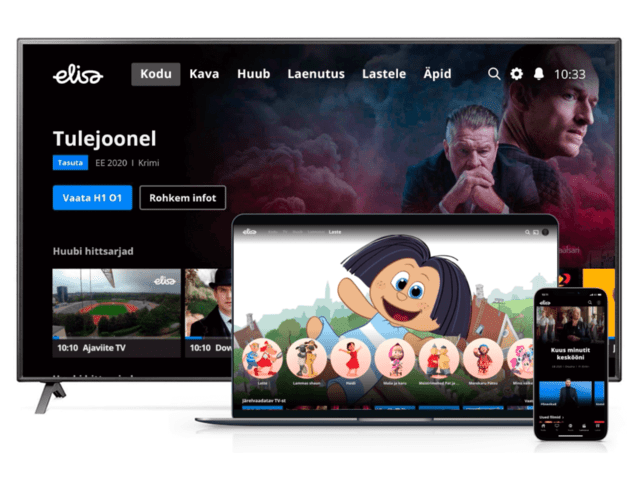
Mobile-ID

With the Mobile-ID service, you can make bank payments, give digital signatures, and log into e-environments directly on your phone. Join today in Elisa self-service!
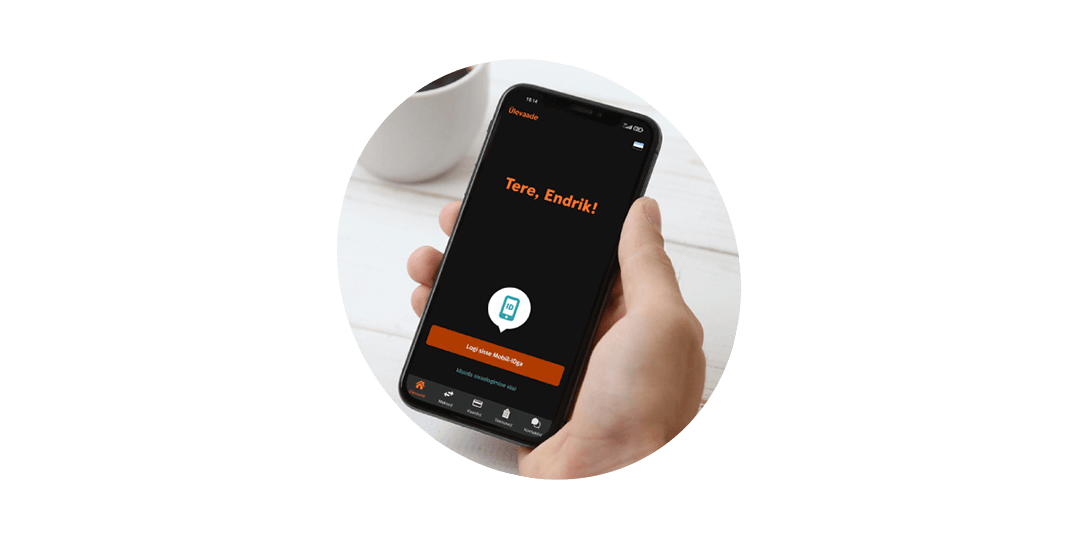
What can you do with Mobile-ID?

Mobile-ID is simple, convenient, and handy
Mobile-ID is secure because
Price list
Frequently Asked Questions
Who, where, and how can join the Mobile-ID service?
What document is needed to join?
Does my SIM card support the use of the Mobile-ID service?
The SIM card must be replaced if:
How many Mobile-ID contracts can be issued to one person?
Mobile-ID certificate validity period and renewal
Elisa will send you a message before the certificates expire.
The SIM card must also be replaced, as only one Mobile-ID contract can be on one SIM card. SIM replacement in self-service involves a one-time fee of €4.43 (at a service point €8.86).
How to terminate the Mobile-ID service?
What to do in case of possible issues?
1.
If possible, also try removing the SIM card from the device for a minute or two.
2.
If you have a Mobile-ID contract only on one SIM card (mobile number), make sure that another SIM card without a Mobile-ID contract is not currently active, and ensure that the SIM card is in slot number 1.
3.
Mobile-ID messages are SIM card-based and do not forward to another mobile number like regular messages. To use Mobile-ID, call forwarding must be disabled.
4.
When abroad, messages may move a bit slower. If you have moved between countries and cannot get a proper network connection, restart your device.
5.
This way, you can rule out that the issue is not related to a specific device.
How to find the Mobile-ID application in the device menu and change PIN codes?


What to do if the Mobile-ID PIN or PUK code is blocked
If the PUK code is not available or is blocked, please contact Elisa self-service or the nearest Elisa service point to replace the SIM card and conclude a new Mobile-ID contract. Unfortunately, it is not possible to issue new PIN codes for Mobile-ID.