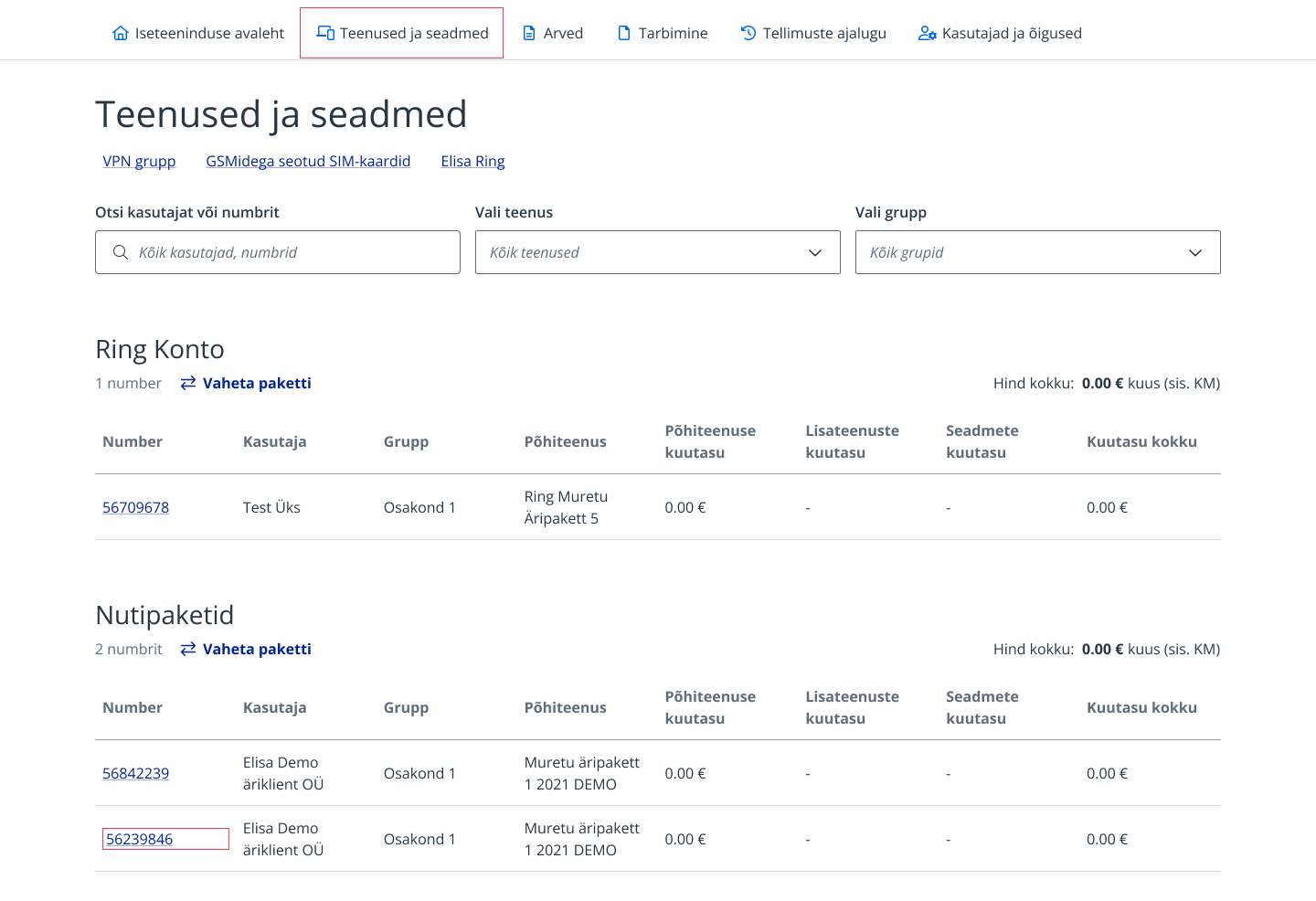
If you have access to multiple customer numbers, select the customer number for which you want to order the additional service.
3.
From the main menu, select “Services and devices”.
4.
Select the number to which you want to add the additional service.
5.
Select the service and click “Order service”.
6.
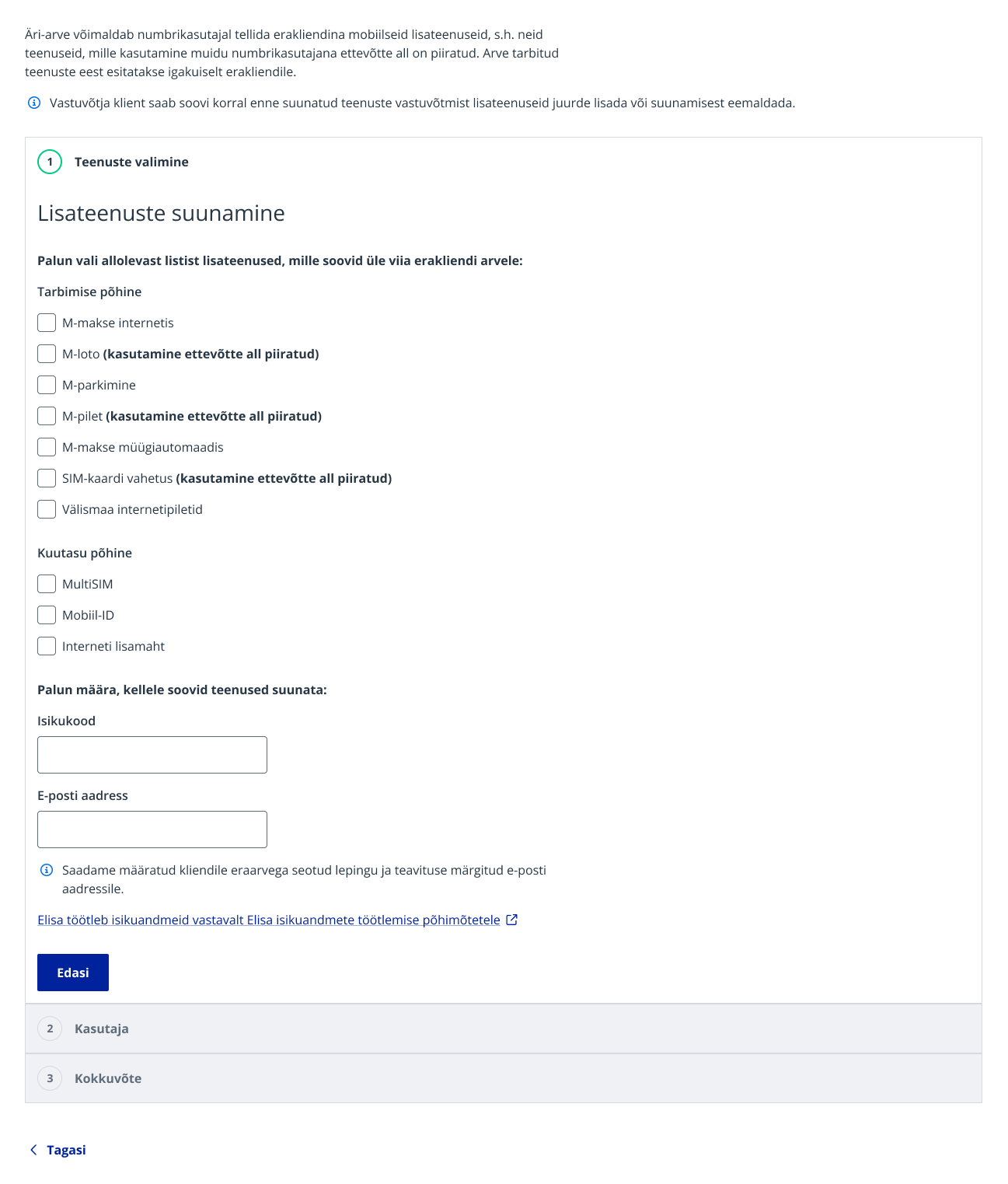
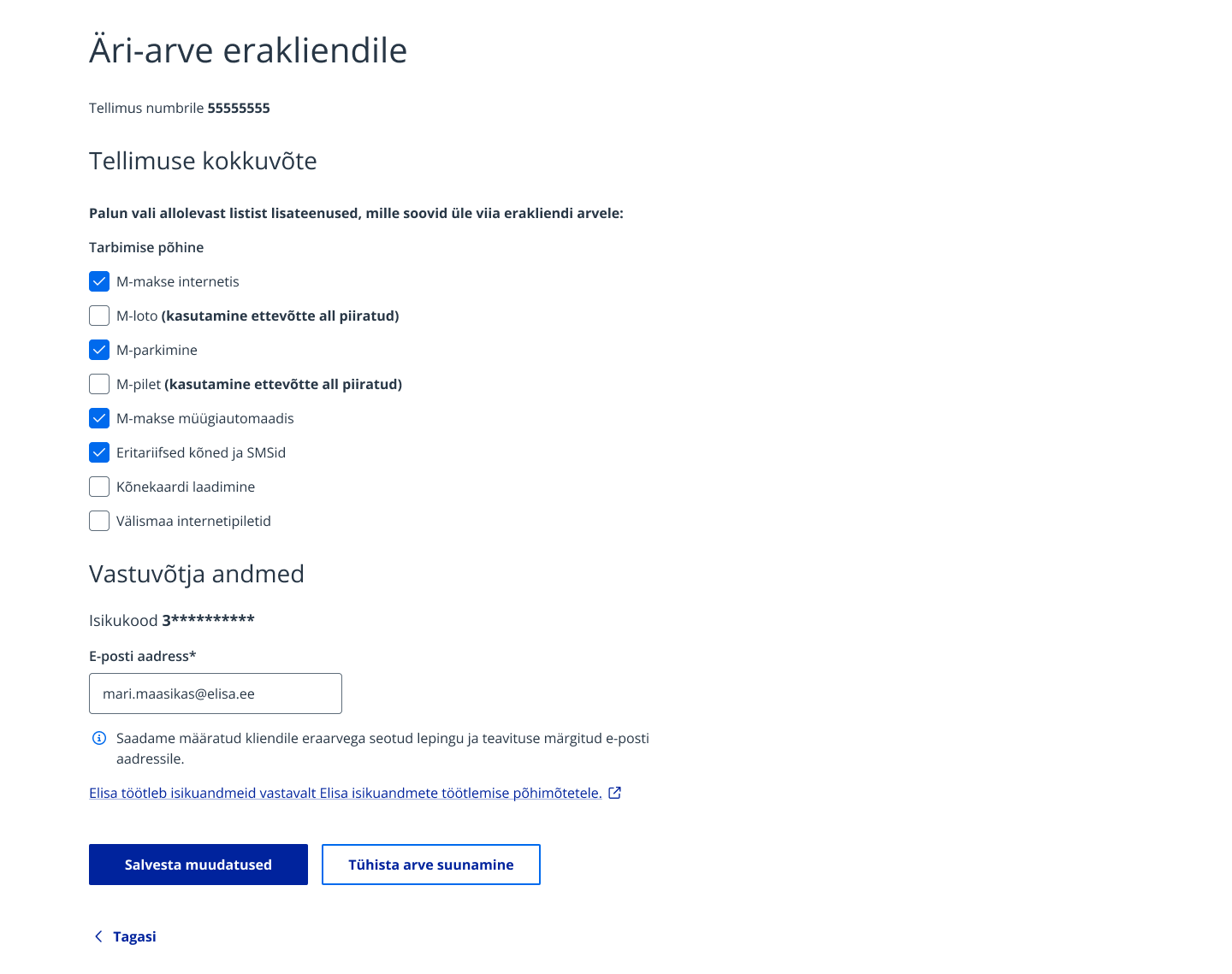
Specify which consumption categories you want to direct to the private invoice.
7.
Specify the user to whom the selected consumption/services should be forwarded. Enter the user's personal identification code and email address. The order can be confirmed from all customer numbers where this personal code is associated with a user. NB! The specified personal code does not have to be associated with any customer; a private customer can create their own customer number when logging into self-service. Then click the "Next" button.
8.
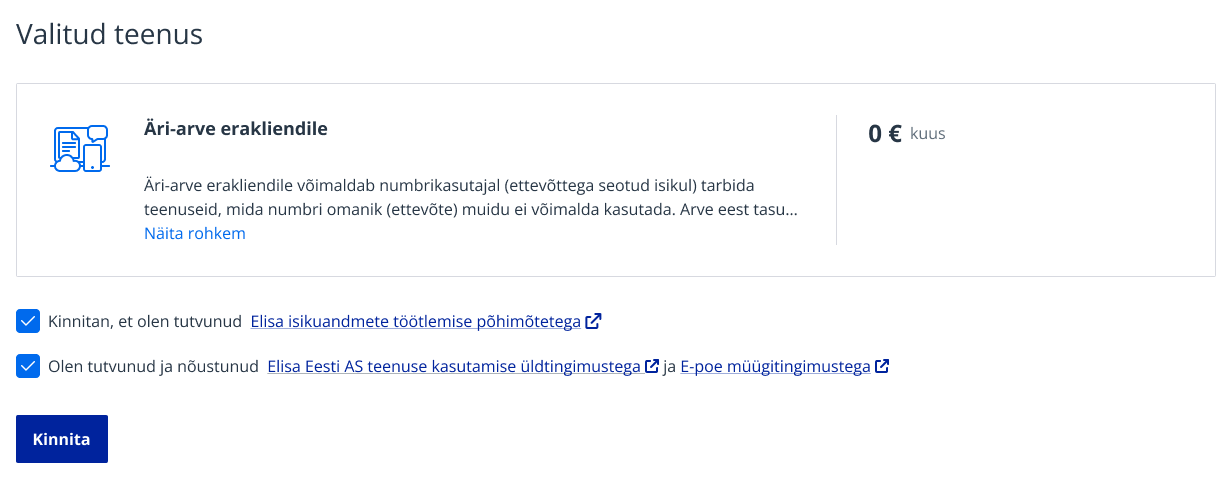
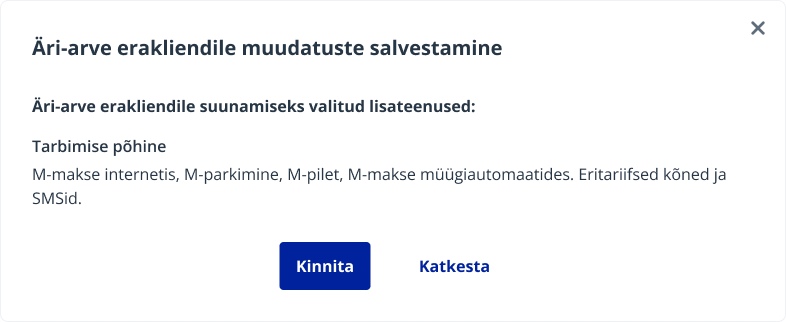
In the order summary, agree to the service and general terms and confirm the order (from the business customer side).
9.
NB! To activate the service, it must also be confirmed from the private customer side.
Confirming the Business Invoice service as a private customer
Confirming the Business Invoice service as a private customer:
If you have access to multiple customer numbers, select the customer number for which you want to order the additional service.
3.
From the main menu, select “Services and devices”.
4.
Select the number to which the additional service has been added.
5.
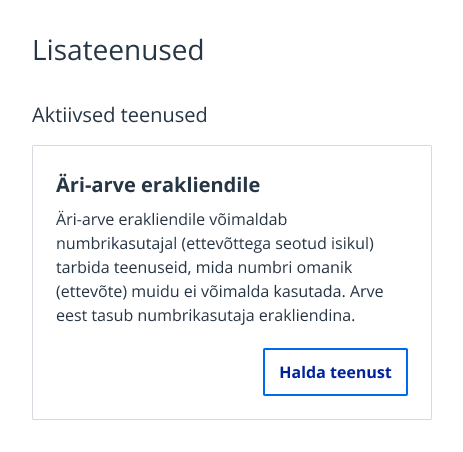
Find “Business Invoice for private customer” among the active services.
6.
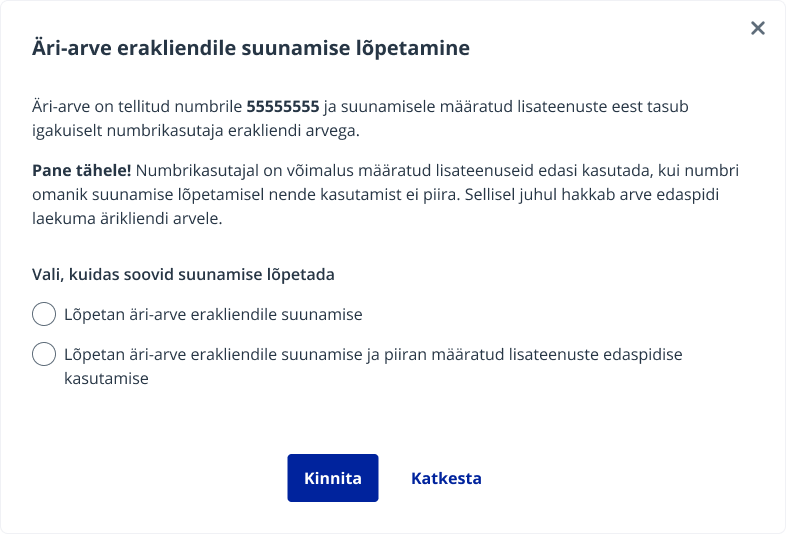
To terminate the service, select “End service”.
7.
Then select “Cancel invoice forwarding”.
8.
In the opened view, select the appropriate options and click “Cancel invoice forwarding”.
9.
As a private customer, you can also manage the service by selecting "Services and devices".
10.
The Business Invoice additional service is located in the "Cross-customer services" list.
11.
By clicking on the service number, the same view as for business customers will open.
12.
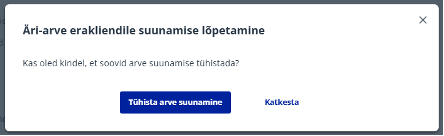
Select “Cancel invoice forwarding”.
13.
Confirm the action.
14.
NB! If the service is canceled from the private customer side, restrictions will automatically apply to the consumption categories that were directed with the service.
Новый Elisa Elamus и Huub
Смотреть
Более старые TV-услуги Подключения до 10.08.2021
Смотреть
Более старую ТВ-услугу можно смотреть в интернете до 31.05.2024. Если Вы хотите продолжать смотреть ТВ в интернете, присоединяйтесь к Elisa Elamus!
Back
Contacts and StoresElisa FIXDevice GuidesPrivate Customer Help CenterBusiness Customer Help CenterAbout ElisaCareersService Terms and Price ListsSustainabilityFor Builders and DevelopersFor CarriersPress Information, Avaneb uues vahekaardis, Avaneb uues vahekaardis, Avaneb uues vahekaardis, Avaneb uues vahekaardisData ProtectionLanguage VersionsCookie SettingsAccessibility All rights reserved 2026 Elisa Eesti AS